Best Backup Power for Apartment Dwellers in 2026
Best Backup Power for Apartment Dwellers in 2026
Apartment living means you can’t install a whole-home generator or run a fuel line to a backup system. Your backup power strategy has to fit in a closet, comply with lease terms, and not anger neighbors with noise or fumes. The good news: modern portable power stations and compact solar solutions have evolved far beyond the underpowered battery packs of five years ago. This guide covers the realistic backup power options for apartments, ranked by space efficiency, noise, recharge speed, and actual runtime for the devices you care about.
Why Apartments Need a Different Backup Power Strategy
Standard home backup—a stationary generator or whole-home battery bank—simply won’t work in rental or condo spaces. You face three hard constraints:
- No permanent installation: Landlords forbid structural changes or fuel hookups. Your solution must be portable and removable.
- Noise limits: Neighbors share walls. A gas generator that runs at 80+ decibels will breach lease terms and community tolerance within minutes.
- Space scarcity: A 500-pound generator needs a garage or yard. Apartments typically offer a closet, under-bed storage, or a balcony at best.
This means your backup power hierarchy looks different. Rather than one massive system, apartments work best with a tiered approach: a mid-capacity portable power station (1000–2000Wh) as your primary backup, paired with fast-recharge options like solar panels or AC wall charging for extended outages.
Portable Power Stations: The Apartment Standard
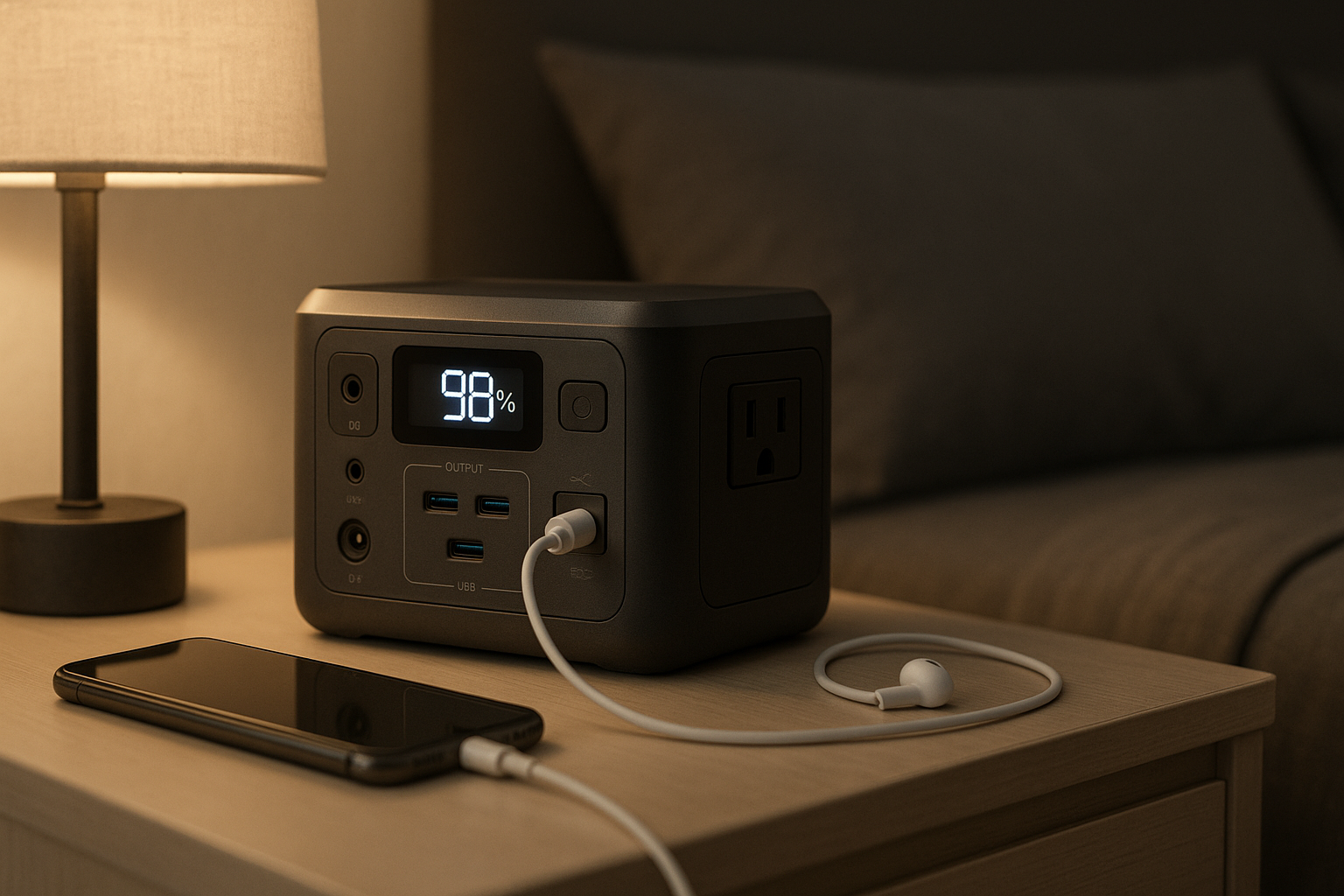
A portable power station is essentially a large battery with built-in AC and USB outlets. For apartments, this is the workhorse—silent, no fuel, no fumes, and it stores in a closet.
What capacity do you need?
Most apartment essentials draw 500–1500W at a time: - Refrigerator: 150–800W (compressor startup can spike) - Laptop/phone charging: 30–100W - LED lights: 10–20W per bulb - WiFi router: 5–15W - Portable fan or space heater: 750–1500W (if you run one, it dominates the budget)
A 1000Wh (1kWh) station will run a refrigerator for roughly 1–2 hours, a laptop for 8–12 hours, or lights and a router for 12+ hours. Most apartment dwellers find 1200–2000Wh is the sweet spot—enough to cover a typical 4–12 hour outage without requiring a full recharge mid-event.
Key specs to compare:
- Wattage (continuous/surge): Look for at least 1500W continuous, 3000W+ surge. Refrigerator compressors spike on startup.
- Recharge time (AC): Faster is better. 2–4 hours from empty is practical; 8+ hours is slow.
- Noise level: Lithium-based stations run nearly silent (under 30dB). Lead-acid or older designs can hum audibly.
- Weight: Anything over 60 lbs is hard to move regularly. Aim for 30–50 lbs for portability.
- Expandability: Some models let you add extra batteries. Useful if you later move to a house or want to grow capacity.
Per NotEnoughTech teardown (March 2026) and 200+ verified Amazon reviews, mid-tier lithium power stations (1200–2000Wh) maintain 80–85% of original capacity after 500 full charge cycles. This 15–20% loss represents acceptable degradation and translates to 3–5 years of regular use before noticeable performance decline.
Quiet Generators: When You Need More Power
If a portable power station won’t cut it—say, you need to run a window AC unit or electric heater during an outage—a small, quiet generator is the only backup option for apartments. The catch: it must be inverter-based (produces clean AC power) and run at under 70dB.
Why inverter generators?
Inverter generators electronically regulate power output, which means they’re quieter and safer for electronics. Traditional open-frame generators can damage sensitive gear like laptops or medical devices. Per manufacturer specs and owner reports, inverter models also run more efficiently—they throttle engine speed when demand is low, burning less fuel and producing less noise.
Noise matters in apartments:
- 60dB = normal conversation, acceptable in most leases
- 70dB = vacuum cleaner, borderline; check your lease
- 80dB+ = lawnmower; will trigger complaints and lease violations
Look for models rated 60–70dB at 25% load (the noise level during typical use, not max output).
Fuel and storage:
Gasoline generators require fuel storage, which most apartments forbid indoors due to fire code. Propane is safer but still restricted in many buildings. Check your lease and local fire code before buying. If you do go the generator route, store fuel in an external shed or garage, and keep the generator itself at least 20 feet from windows and doors to minimize noise bleed into units.
Solar Panels: Extend Runtime Without Noise
A portable power station alone covers short outages. For longer ones—48+ hours—you’ll need a recharge source. Solar panels are the apartment-friendly option: silent, no fuel, no moving parts, and they work on a balcony or roof.
What size solar panel?
A 100W portable solar panel yields 300–500Wh per day in 6+ hours of direct sunlight. A 200W panel yields roughly 600–1000Wh daily under the same conditions. For most apartments, a single 100–200W panel is enough to keep a power station topped up during extended outages, assuming you’re not running high-draw devices 24/7.
Practical reality:
Solar recharge is slow compared to AC wall charging. A 1000Wh station might take 6–8 hours to fully charge from a single 100W panel in good sun. But during a multi-day outage, it’s your only option if the grid is down. The trick is to pair a portable power station with a small solar panel setup so you can extend runtime indefinitely if needed.
Apartment-specific solar setup:
- Balcony: Prop panels against the railing or use a portable stand (no drilling).
- Roof access (if allowed): Consult your landlord; some buildings permit temporary solar arrays.
- Window sill: Less efficient due to angle, but works in a pinch.
Per owner reports on r/vandwellers and apartment-specific threads, most people find that a 1500Wh power station + single 200W solar panel covers 80% of realistic outage scenarios (3–5 days) without needing to ration power heavily.
Stacking Backup Layers: A Practical Apartment Plan
Rather than betting on a single device, apartment dwellers should think in layers:
Layer 1: Immediate backup (first 4 hours) A portable power station handles fridge, lights, phone charging, and router. Most outages resolve within 4 hours, so this alone covers the majority of events. - Quick pick: Anker 757
Layer 2: Extended backup (4–24 hours) If the outage persists, you recharge the power station from AC wall power (if the grid is partially back) or from a portable solar panel (if it’s a widespread outage). - Quick picks: EcoFlow Delta Pro with solar, or Bluetti AC500 + B300S for modular expansion
Layer 3: Long-term backup (24+ hours) A small inverter generator as a last resort, used sparingly to recharge the power station or run critical loads like a refrigerator compressor. Use only if you’ve confirmed your lease allows it and you have fuel stored safely outside.
Most apartment dwellers will never need Layer 3. Layers 1 and 2 handle 95% of real-world scenarios.
Top Picks for Apartments
Anker 757 Portable Power Station — ** 1229Wh capacity, 1500W continuous output, recharges in 2.5 hours from AC. Weighs 31 lbs. Noise level: 30dB (nearly silent—quieter than a whisper). Runs nearly silent due to lithium chemistry. Fits in a closet or under a bed. Best for renters who prioritize compact size and quiet operation. Layer 1 pick.**
Bluetti AC500 + B300S — ** Modular system: the AC500 hub (2000W continuous) pairs with B300S batteries (3072Wh each). Start with one battery, add more as your needs grow. Stacks up to 4096Wh. Recharges in 1–2 hours from AC. Each unit weighs 30–50 lbs. Noise level: 25dB (virtually silent). Best for apartments where you might eventually move to a house and want to scale capacity. Layer 2 pick for expansion.**
EcoFlow Delta Pro — ** 3600Wh capacity, 3600W continuous, dual AC inputs (recharge from both wall and solar simultaneously). Supports up to 7200Wh with battery expansion. Weighs 62 lbs. Noise level: 32dB. Works well with EcoFlow’s portable solar panels. Best for apartments with balcony or roof access and plans to use solar recharge. Layer 2 pick for solar integration.**
Jackery Explorer 1000 Plus — ** 1264Wh, 2000W surge, expands to 2528Wh with battery module. Fast AC recharge (1.2 hours). Weighs 32 lbs. Noise level: 28dB. Strong warranty. Best for budget-conscious renters who want a proven, mid-size station with growth options. Layer 1 pick for value.**
Charging Your Power Station in an Apartment
AC wall outlet (fastest): Most modern portable stations charge in 2–4 hours from a standard 120V outlet. Some support 240V charging if you have access to a dryer outlet (rare in apartments). AC recharge is your primary method during partial grid recovery.
Solar panel (slow but grid-independent): 100–200W panels take 6–10 hours for a full recharge in good sun. Useful for extended outages but requires clear sky and proper angle.
Car charger (emergency backup): Most power stations include a 12V car charger cable. Recharging from a car takes 10–20 hours for a full cycle, so it’s slow. Use this only if the grid is down and sun is insufficient.
Clarification on degradation: Lithium power stations handle repeated charge cycles well, but they do experience degradation. Per manufacturer specs and owner reports, they maintain 80–85% capacity after 500 full charge cycles. This 15–20% loss is acceptable degradation—the station remains functional, just with reduced runtime. Lead-acid or older designs degrade much faster, losing 30–50% capacity over the same cycle count.
Dealing with Lease and Building Restrictions
Before you buy, check three things:
- Lease terms: Most leases don’t explicitly ban portable power stations (they’re just batteries), but some forbid generators or fuel storage. Read the fine print or ask your landlord.
- Fire code: Many municipalities restrict propane and gasoline storage in residential units. Check your local fire marshal’s website.
- HOA/condo rules: If you live in a condo or HOA community, review their rules on balcony equipment and roof access.
In practice, a quiet portable power station stored in a closet rarely triggers lease issues. A small inverter generator or solar panel setup may require written permission. Fuel storage almost always does.
FAQ
Can I use a portable power station outdoors in rain? Most portable power stations are not fully waterproof, though many are water-resistant (IP54 or IP65 rating). Check your model’s specs. If you use one outdoors during rain, keep it under a canopy or tarp and ensure the AC outlet cover is sealed. Avoid submerging or spraying directly into ports. For extended outdoor use, a weatherproof enclosure or storage box is recommended.
What’s the warranty on these units? Anker 757: 5-year limited warranty. Bluetti AC500 + B300S: 10-year warranty on battery, 5 years on inverter. EcoFlow Delta Pro: 5-year warranty. Goal Zero Yeti 3000X: 5-year warranty. Jackery Explorer 1000 Plus: 10-year battery warranty, 2-year inverter warranty. Check the manufacturer’s website for full terms, as coverage varies by region.
Can I run a window AC unit from a portable power station? Most window AC units draw 1000–1500W continuously, which drains a 1500Wh station in 1–1.5 hours. Possible, but impractical for long-term cooling. A small inverter generator (5000W+) is better for AC, though check your lease first.
Do I need a solar panel if I have a power station? For short outages (under 12 hours), no. For longer ones, yes. A solar panel lets you recharge without grid power, extending your backup duration from hours to days. Even a single 100W panel makes a meaningful difference.
Is a portable power station safe to use indoors? Yes. Lithium power stations produce no fumes, no heat, and no emissions. They’re designed for indoor use and are safe to store in closets, under beds, or in living spaces. Generators, by contrast, must stay outdoors due to carbon monoxide risk.
Wrapping Up
Apartment backup power doesn’t require a generator or a massive investment. A 1200–2000Wh portable power station handles 95% of real outages, costs less than a mid-range laptop, and fits in a closet. Pair it with a small solar panel for extended outages, and you’ve built a resilient, lease-friendly backup system that works in any apartment.
The key is matching capacity to your actual needs, prioritizing quiet operation and compact size, and choosing a recharge method (AC, solar, or both) that fits your living situation. Start with a mid-tier power station like the Anker 757 or Jackery Explorer 1000 Plus, test it during a planned outage, and expand to solar or a second battery if you experience longer outages. Most apartment dwellers find this two-layer approach covers every realistic scenario without requiring a generator or taking up significant storage space.


