Best Battery Backup Systems for Home Power Outages

Best Battery Backup Systems for Home Power Outages
When the grid goes down, a battery backup system bridges the gap between “lights out” and when power returns—or until a generator kicks in. Unlike generators, battery backups run silently, require no fuel, and need minimal maintenance. But choosing the right one means understanding capacity, runtime, and what you actually need to keep running.
How Battery Backups Differ from Generators
Battery systems and generators solve the same problem but in different ways. Generators burn fuel (gas, propane, diesel) and produce noise—often 70–90 dB, enough to irritate neighbors and violate apartment leases. Batteries store electrical energy and release it silently at the flip of a switch or automatically when power drops.
Trade-offs: - Batteries run quiet, start instantly, need no fuel, but drain over hours (not days). - Generators run for days on a tank, but require fuel storage, maintenance, and produce noise and emissions.
Many households use both: a battery system for the first few hours of an outage, then start a generator if power stays out longer. Start with How Much Backup Power Do You Actually Need? Wattage Calculator to size your actual needs—oversizing is expensive and unnecessary.
Types of Battery Backup Systems
Uninterruptible Power Supplies (UPS)
UPS units are designed for computers, servers, and sensitive electronics. They sit between your wall outlet and your devices, switching to battery power in milliseconds when the grid fails. Most offer 5–15 minutes of runtime, enough to save work and shut down safely.
Best for: Home offices, servers, gaming setups, medical equipment.
Typical capacity: 500–3,000 watts.
Pros: Instant switchover, compact, affordable entry point.
Cons: Short runtime; not meant for whole-home backup.
Portable Power Stations
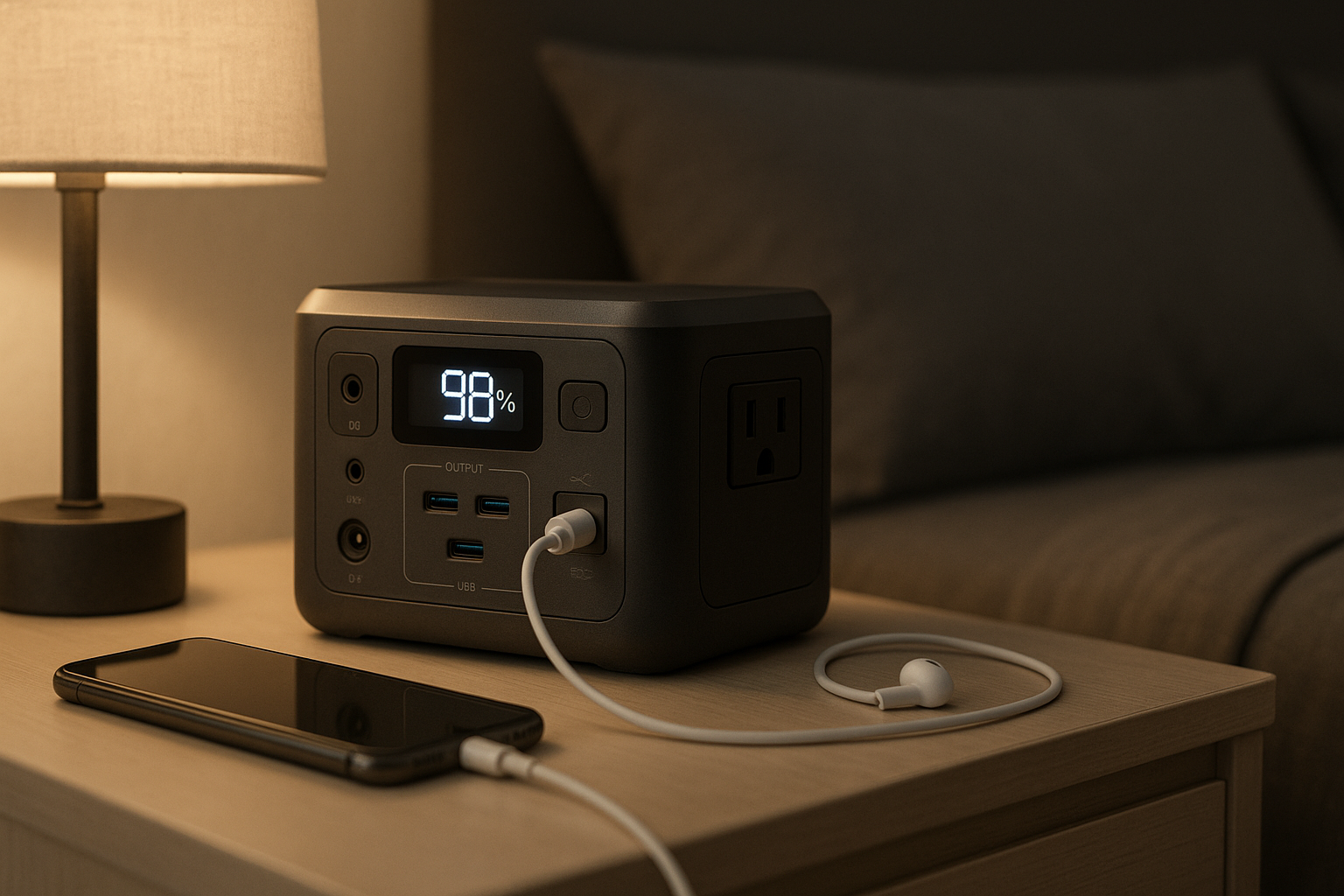
Portable power stations are lithium-ion or LiFePO₄ batteries with built-in inverters, AC outlets, and USB ports. They’re the middle ground—bigger than a UPS, smaller than a whole-home system. Most weigh 20–100 lbs and can run a room’s worth of devices for 4–12 hours.
Best for: Renters, small homes, backup for essential circuits, camping/RV use.
Typical capacity: 500 Wh to 10+ kWh.
Pros: Portable, no installation, modular (stack multiple units), solar-chargeable.
Cons: Limited runtime for whole-home use; battery degrades over 5–10 years.
Whole-Home Battery Systems
These are permanently installed systems (like Tesla Powerwall, LG Chem, Generac PWRcell) that back up your entire home or selected circuits. They integrate with your electrical panel and often work with solar arrays and grid services.
Best for: Homeowners wanting seamless backup, solar integration, grid resilience.
Typical capacity: 10–15 kWh per unit (stackable).
Pros: Automatic switchover, large capacity, long lifespan (10–15 years), eligible for tax credits.
Cons: Expensive (k–k+ installed), requires professional installation, tied to the home.
Key Specs to Understand
Watt-Hours (Wh) and Kilowatt-Hours (kWh)
Capacity tells you how much energy the battery stores. A 5,000 Wh (5 kWh) battery can run a 500 W load for 10 hours, or a 1,000 W load for 5 hours. In reality, you’ll rarely use 100% of capacity—most systems reserve 10–20% for longevity.
Rule of thumb: Calculate your essential load (fridge, lights, WiFi, one outlet) and multiply by hours you want to run. If you need 800 W for 8 hours, aim for 6,400 Wh minimum, then add 20% buffer.
Continuous vs. Peak Power
A battery’s continuous rating is the steady power it can deliver. The peak rating is the surge power it can handle for a few seconds (e.g., when a compressor or motor starts). A refrigerator draws 600 W steady but may surge to 1,200 W when the compressor kicks in.
Check the specs: Ensure continuous rating covers your largest single appliance, not just the sum of all devices.
Depth of Discharge (DoD)
DoD is the percentage of the battery you can safely use without damaging it. LiFePO₄ batteries often advertise 95–100% DoD (e.g., Tesla Powerwall specs 95% DoD); older lithium-ion systems may be 80–90% (e.g., Anker 757 specs 80% DoD). Higher DoD means you get more usable energy from a smaller battery.
Round-Trip Efficiency
This measures how much energy you lose when charging and discharging. A system with 90% efficiency wastes 10% as heat. Most modern lithium systems are 85–95% efficient. Solar-charged systems lose more because of the solar panel and charger steps.
Battery Chemistry: LiFePO₄ vs. Lithium-Ion
LiFePO₄ (Lithium Iron Phosphate): - Longer lifespan (5,000–10,000 cycles vs. 2,000–3,000 for standard lithium-ion) - Safer; less risk of thermal runaway - Slightly heavier and more expensive per kWh - Best for: Long-term, stationary installations
Lithium-Ion: - Lighter, more compact - Cheaper upfront - Shorter lifespan; capacity fades faster - Best for: Portable systems you’ll replace in 5–7 years
For home backup, LiFePO₄ is worth the premium if you plan to keep the system for a decade.
Installation and Integration
Portable systems plug into a standard outlet—no electrician needed. You manually switch devices to the battery, or use a basic power strip.
Whole-home systems require a licensed electrician to integrate with your main panel. They can be set to: - UPS mode: Automatic switchover on grid loss (zero gap) - Load-shedding mode: Prioritize essential circuits (fridge, lights, medical gear) and drop non-essentials - Grid-forming mode: Work with solar to island your home from the grid
Professional installation adds to the cost but ensures safety and eligibility for rebates.
Runtime Reality Check: A Worked Example
Manufacturers often quote runtime at minimal load (e.g., “24 hours at 100 W”). Real-world runtime is much shorter.
Here’s a concrete scenario: You want to keep a refrigerator (600 W), kitchen lights (300 W), and WiFi router (20 W) running during an 8-hour outage.
Step 1: Calculate total load 600 W + 300 W + 20 W = 920 W
Step 2: Calculate energy needed 920 W × 8 hours = 7,360 Wh
Step 3: Add 20% buffer for inverter losses and battery headroom 7,360 Wh × 1.2 = 8,832 Wh (round up to 9 kWh)
Which products fit? - EcoFlow Delta Pro (3.6 kWh base): Not enough alone; add one 3.6 kWh battery module for 7.2 kWh total—still short. Add two modules for 10.8 kWh. Cost: ~. - Anker 757 PowerHouse (1.2 kWh): Would need 7–8 units stacked. Not practical. - Jackery Explorer 2000 Pro (2.1 kWh): Would need 4–5 units. Cost: ~. - Tesla Powerwall (13.5 kWh usable): Single unit covers the need. Cost: ~ installed.
Takeaway: For this scenario, a single Powerwall is the simplest solution if you own your home. If you rent or want portability, stack two EcoFlow Delta Pro units (7.2 kWh) and accept 6–7 hours of runtime, or pair a Jackery 2000 Pro with a generator for longer outages.
To calculate your own load, use this appliance reference table:
| Appliance | Typical Wattage |
|---|---|
| Refrigerator | 150–800 W |
| Microwave | 1,000–1,500 W |
| Electric kettle | 1,500–3,000 W |
| Washing machine | 500–2,000 W |
| Air conditioner window unit | 3,500–5,500 W |
| LED light bulb | 8–15 W |
| Laptop charger | 45–100 W |
| WiFi router | 10–20 W |
| Television | 30–100 W |
| Electric space heater | 750–1,500 W |
For a detailed calculator, see How Much Backup Power Do You Actually Need? Wattage Calculator.
Charging Options
AC Charging (Wall Outlet)
Slowest method, but works anywhere. A 5 kWh battery may take 8–12 hours to fully charge from a standard 120V outlet.
Solar Charging
If you have solar panels, most portable and whole-home systems can accept DC input directly. Full charge time depends on panel wattage and sunlight—typically 1–3 days in good conditions.
See How to Charge a Portable Power Station: Solar, AC, and Car Methods for detailed charging strategies.
Car Charging
Some systems accept 12V DC from a car’s auxiliary outlet or a dedicated 240V EV charger. Useful if you’re stuck in a multi-day outage and can run your car.
Maintenance and Lifespan
Modern lithium batteries require almost no maintenance. Keep them in a cool, dry place (50–77°F is ideal) and avoid leaving them fully discharged for months. Most systems will degrade to 80% capacity after 5–10 years of regular use.
For detailed guidance, see Portable Power Station Lifespan: Battery Degradation and Maintenance.
Cost Breakdown (as of August 2026)
Budget tier (portable, 1–2 kWh):. Runs essentials for 4–6 hours. Check manufacturer sites for current pricing (e.g., Anker.com, Jackery.com).
Mid-tier (portable, 3–5 kWh):. Covers a room or essential circuits for 8–12 hours. Prices shift quarterly; verify on EcoFlow.com or Bluetti.com.
Premium tier (whole-home, 10+ kWh): + installed. Seamless whole-home backup. Includes labor; check Tesla.com or Generac.com for local quotes.
Tax credits (federal IRA, state incentives) can reduce whole-home system costs by 30–50% if you pair with solar. Portable systems rarely qualify.
Top Picks with Specs
| Product | Capacity | Continuous Power | Weight | Price (Aug 2026) | Warranty | Best For |
|---|---|---|---|---|---|---|
| EcoFlow Delta Pro | 3.6 kWh (base) | 3,600 W | 99 lbs | 5 years | Modular expansion; essential circuits | |
| Anker 757 PowerHouse | 1.2 kWh | 1,500 W | 29 lbs | 5 years | Renters; compact backup | |
| Tesla Powerwall | 13.5 kWh usable | 5,000 W continuous / 10,000 W peak | 275 lbs | (+ install) | 10 years | Whole-home; solar integration |
| Jackery Explorer 2000 Pro | 2.1 kWh | 2,200 W | 62 lbs | 5 years | Budget-conscious; portable | |
| APC Smart-UPS SUA5000RMxL | 5 kVA / ~3.5 kWh | 5,000 W | 154 lbs | 3 years | UPS; zero-gap switchover |
FAQ
Q: Can I run my air conditioner on a portable power station? A: Most portable systems can’t. A window AC unit draws 3,500–5,500 W, and most portable stations max out at 2,200–3,600 W continuous. A whole-home system like the Tesla Powerwall (5,000 W continuous) can run a smaller AC unit, but only briefly. For sustained AC backup, you need a generator or multiple stacked batteries. See home generator sizing guide how much power do you need for sizing.
Q: What’s the difference between a UPS and a portable power station? A: A UPS (like APC Smart-UPS) is designed for computers and servers, offering sub-millisecond switchover to protect against data loss. It has limited runtime (5–30 minutes) and smaller capacity (500–5,000 W). A portable power station (like Jackery or EcoFlow) is designed for household appliances, offers longer runtime (4–12 hours), and has larger capacity (1–10+ kWh). UPS is for electronics; portable stations are for whole-room or whole-home backup.
Q: How much does professional installation cost for a whole-home battery system? A: Installation typically runs on top of the battery cost, depending on your electrical panel’s age and complexity. Newer homes with modern panels cost less; older homes with outdated panels may cost more. Get 2–3 quotes from licensed electricians in your area. See home battery installation checklist permits and costs for a breakdown.
Q: Do I need solar panels to use a battery backup system? A: No. Batteries can be charged from the grid (AC outlet) or a car charger. Solar is optional and extends runtime during multi-day outages. If you add solar, you can recharge during the day and run through the night, creating a mini off-grid setup. See best solar panels for home backup sizing and installation for home-specific panel options.
Q: Is a battery backup or generator better for home outages? A: Both have strengths. Batteries are quiet, instant, and low-maintenance; generators run longer but need fuel, make noise (70–90 dB), and require maintenance. Many households use a battery for the first few hours, then start a generator if power is still out. This combination covers short outages silently and long outages affordably. See home generator sizing guide how much power do you need for generator comparisons.
Summary
Battery backup systems are a practical, quiet way to bridge power outages. Portable power stations suit renters and small homes; whole-home systems suit homeowners who want seamless, automatic protection. Start by calculating your essential load using the appliance table above or How Much Backup Power Do You Actually Need? Wattage Calculator, then choose a system with 20% more capacity than you think you need. For the 8-hour fridge/lights/WiFi scenario outlined above, a single Tesla Powerwall or stacked EcoFlow Delta Pro units will work. For outages longer than your battery can handle, pair