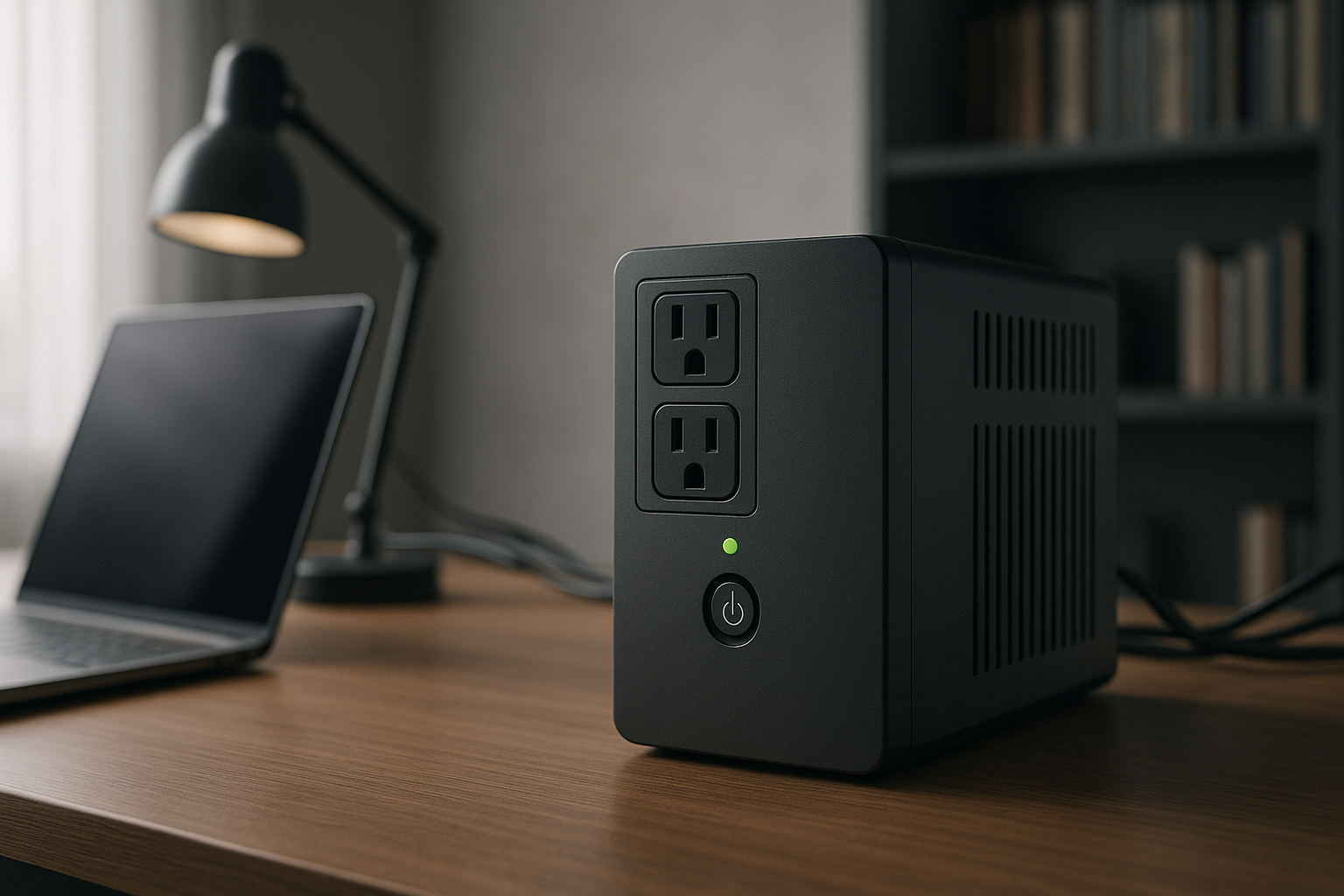
Best Uninterruptible Power Supply for Home Office 2026
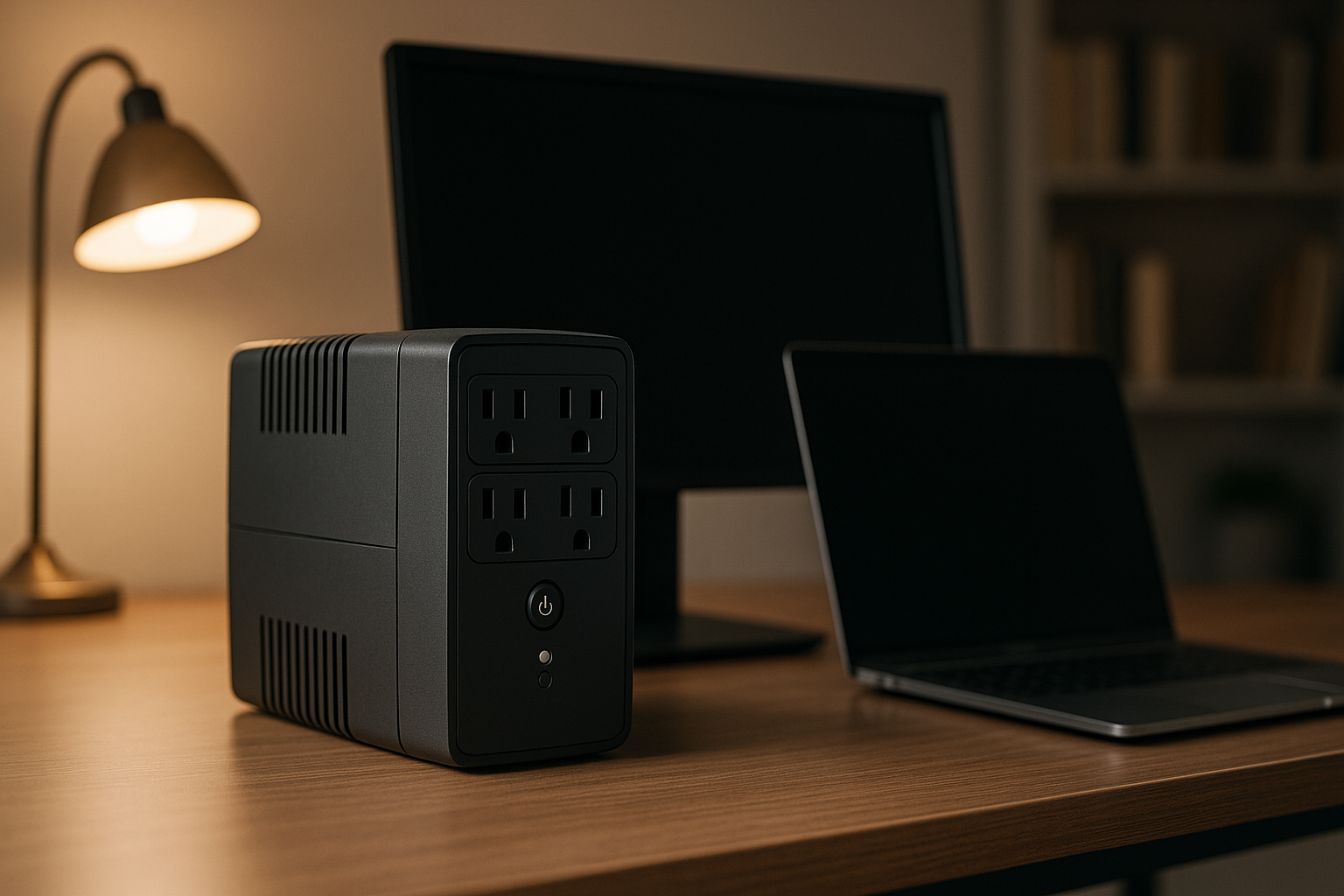
Best Uninterruptible Power Supply for Home Office 2026
If your home office loses power mid-call or during a critical file save, you lose income, miss deadlines, and face unnecessary stress. An uninterruptible power supply (UPS) bridges the gap—it switches to battery in 4 milliseconds when the grid fails, keeping your computer and monitor running for 10–25 minutes. That’s enough time to save work and shut down gracefully. Unlike portable power stations designed for camping or travel, a UPS is stationary: it plugs into wall power, sits under your desk or on a shelf, and delivers instant backup when you need it.
This guide covers UPS sizing, key features, and specific models matched to different home office setups.
What Is a UPS and How Does It Differ from Other Backup Power?
A UPS sits between your wall outlet and your devices. During normal operation, it charges its internal battery and passes electricity through to your gear. When the grid drops, internal circuitry detects the loss in milliseconds and switches to battery power—so fast your computer doesn’t notice a flicker. You get uninterrupted power for 5–30+ minutes, depending on capacity and load.
UPS vs. portable power station: A portable station (like those covered in Best Portable Power Stations for Camping: Weight & Runtime Tested, which compares models designed for camping and travel with multi-hour runtimes) is designed to move with you and run high-power appliances for hours. A UPS stays plugged in, switches faster (4 ms vs. 10–50 ms), and is optimized for office electronics drawing modest power. Best Backup Battery for Home Office: UPS vs Portable Station provides a detailed comparison of stationary UPS units versus portable stations if you’re deciding between formats.
UPS vs. generator: Generators produce power by burning fuel; UPS units store power in batteries. Generators are loud, need fuel, and take time to start. A UPS is silent, always ready, and ideal for offices where noise matters.
Sizing Your UPS: Wattage and Runtime
The two critical specs are VA (volt-amperes) and runtime.
VA rating tells you the power capacity. Per manufacturer specs, a 1500 VA UPS can typically handle 1000–1200 watts of real-world load (the difference between VA and watts depends on device power factor, but for home office math, assume VA is roughly 60–80% of usable watts). Most home office setups fall into these tiers:
- 600–850 VA: Laptop + small monitor, or single desktop monitor. Provides 5–15 minutes runtime at typical load.
- 1500 VA: Desktop computer + dual monitors + peripherals (printer, router, lights). Provides 10–25 minutes runtime.
- 2000+ VA: High-power workstations, multiple monitors, or if you want extended runtime for graceful shutdown across multiple devices.
Runtime is how long the UPS battery lasts under load. Most manufacturers rate runtime at 50% load (e.g., a 1500 VA unit at 750 watts). Real runtime depends on what you plug in. A laptop draws ~60 watts; a desktop tower + monitor can draw 200–400 watts. How Much Backup Power Do You Actually Need? Wattage Calculator Guide walks you through calculating your actual wattage needs before shopping—enter your device specs to get a personalized runtime estimate.
Rule of thumb: Buy a UPS rated for at least 1.5× your typical office load. This gives you 10–20 minutes to save work and shut down cleanly—enough for most home office emergencies.
Key Features to Compare
Pure Sine Wave vs. Simulated Sine Wave
When a UPS switches to battery, it outputs AC power via an inverter. Two types exist:
- Pure sine wave (true sine wave): Outputs clean, smooth AC power identical to grid electricity. Safe for all devices, including laser printers, monitors with sensitive power supplies, and medical equipment. Slightly pricier.
- Simulated (stepped) sine wave: Outputs a cruder approximation. Works fine for most laptops and monitors, but can cause buzzing in speakers, flicker in some LED lights, or damage to sensitive gear over time. Budget-tier UPS units often use this.
Recommendation: For home office, pure sine wave is worth the small premium. Your monitor and computer will thank you, and you avoid long-term damage risk.
Number and Type of Outlets
Count your devices: desktop tower, monitor, desk lamp, router, printer, phone charger, etc. A UPS typically has 8–12 outlets split into two groups:
- Battery-backed outlets: Power devices from battery during an outage. Use these for your computer and monitor.
- Surge-protected only outlets: Protect against spikes but don’t run on battery. Ideal for printers and other non-critical gear.
Ensure the UPS has at least 4–6 battery-backed outlets so you’re not forced to unplug critical devices during a shutdown.
Display and Monitoring
A backlit LCD display shows remaining runtime, load percentage, and battery health at a glance. This is invaluable during an outage—you’ll know exactly how much time you have. Budget units may have only LED lights; premium models include USB monitoring software and smartphone apps.
Noise Level
Most UPS units are silent during normal operation. When the battery is heavily loaded or nearing depletion, internal cooling fans may activate. Fan noise is rarely a problem for home office use, but if you’re sensitive to ambient sound, check owner reviews for your specific model.
Top Picks by Scenario
Best for Small Desk Setups with Laptop + Monitor
The CP1500AVRLCD is a 1500 VA workhorse that fits most home office needs. It features pure sine wave output, an LCD display showing runtime and load, and 10 outlets (6 battery-backed). Per aggregated Amazon owner reviews, it delivers 15–20 minutes of runtime powering a laptop and external monitor. The compact form factor sits neatly under a desk or on a shelf. This is the most popular mid-tier choice for home office use.
Best for Dual-Monitor Workstations
The BR1500MS is a 1500 VA pure sine wave unit with 10 outlets and a managed battery module rated for longer lifespan. Per owner feedback across r/homeoffice and UPS-focused forums, it handles dual monitors + desktop tower + peripherals without strain, providing 12–18 minutes of runtime at typical office load. The sleek tower design takes less desk space than competitors. APC’s track record for reliability is well-documented in long-running community threads.
Best Budget Option for Home Office
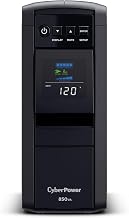
If you’re running a laptop-only setup or have tight budget constraints, the CP850PFCLCD delivers 850 VA pure sine wave protection. It has 8 outlets (5 battery-backed) and an LCD display. Per aggregated Amazon owner reviews, it’s reliable for 8–12 minutes of laptop + monitor runtime. Noise is minimal, and the compact size makes it easy to tuck beside a desk.
Best for High-Power Workstations

The 9PX 2000i is a premium 2000 VA unit with managed battery technology, pure sine wave, and 10 outlets. Per owner reports on UPS-specific forums and Reddit’s r/homelab, it handles high-load setups (multiple monitors, desktop tower, docking station, desk lighting) with 15–25 minutes of runtime. The premium price reflects the extended capacity and managed battery module, which extends overall unit lifespan. If you’re running a high-end creative workstation, this is the safest choice.
Best for Renters and Tight Spaces
The 600M is ultra-compact—roughly the size of a small toaster—and can mount on a wall or tuck into a corner. With 600 VA capacity, it’s suitable for a single laptop or lightweight laptop + monitor setup. Per owner feedback on Amazon, it provides 5–10 minutes of runtime, enough to save work and gracefully shut down. For renters who can’t install permanent power infrastructure, this is an ideal plug-and-play solution.
UPS Maintenance and Battery Lifespan
A UPS battery typically lasts 3–5 years under normal use (charge/discharge cycles, temperature stability). To extend lifespan:
- Keep the UPS in a cool, dry location. Heat degrades batteries faster.
- Avoid deep discharges. Monthly test runs (pull the plug for 30 seconds, let the UPS switch to battery) are sufficient; don’t drain it completely.
- Replace the battery when the manufacturer recommends it (usually signaled by a beep or low-battery alert). Replacement batteries are available separately and cost less than a new unit.
Per APC and CyberPower spec sheets, most UPS units notify you when battery health declines via audible alerts or LCD warnings, so you won’t be caught off guard.
Choosing Between UPS and Portable Power Station
If you’re undecided whether a stationary UPS or a portable power station suits your needs, Best Backup Battery for Home Office: UPS vs Portable Station breaks down the trade-offs in detail—it covers switching speed, portability, and cost differences. In short: UPS for always-on office protection; portable station if you want flexibility to move your backup power around the house or outdoors.
For extended power outages lasting hours, you might also consider Best Battery Backup for Power Outages 2026, which covers whole-home backup solutions and long-duration options.
FAQ
Q: Can I daisy-chain multiple UPS units to increase runtime? A: No. Daisy-chaining UPS units (plugging one into another) creates unpredictable behavior and can damage equipment. If you need more runtime, buy a single larger-capacity UPS or add a portable power station as a secondary backup.
Q: What happens if I overload a UPS? A: When load exceeds the UPS’s capacity, it triggers an overload alarm (beep or LCD warning) and may shut down to protect the battery. Most units won’t damage your devices, but you’ll lose backup power. Size your UPS for at least 1.5× your typical load to avoid this.
Q: Do I need a pure sine wave UPS, or is simulated sine wave okay? A: Pure sine wave is safer and recommended for home office. Simulated sine can cause buzzing in speakers and potential long-term damage to sensitive electronics. The price difference is modest, so pure sine wave is worth it.
Q: Can I plug a printer into a UPS? A: Yes, but use a surge-protected (non-battery) outlet if possible. Printers draw high power during operation and will drain your battery quickly. Reserve battery-backed outlets for your computer and monitor.
Q: What’s the difference between VA and watts? A: VA (volt-amperes) is the apparent power rating; watts is real power. For home office devices, assume a UPS’s usable wattage is roughly 60–80% of its VA rating. A 1500 VA unit typically handles 900–1200 watts of real load.
Summary
A UPS is the fastest, most reliable way to protect your home office from power outages. Choose a model sized to your actual load (600–850 VA for laptops; 1500 VA for desktops with multiple monitors; 2000+ VA for high-power workstations), prioritize pure sine wave output, and ensure you have enough battery-backed outlets for your essential devices. Most home offices benefit from a mid-tier 1500 VA UPS, which provides 15–20 minutes of runtime—enough to save work and shut down gracefully.
Start by calculating your wattage needs using How Much Backup Power Do You Actually Need? Wattage Calculator Guide, which lets you input your device specs to estimate runtime. Then match one of the picks above to your setup. Your future self will thank you when the power goes out and your work stays safe.