Best Battery Backup for Power Outages 2026

Photo by Jackery Power Station on Unsplash
Best Battery Backup for Power Outages 2026
When the grid fails, a battery backup buys you hours—or days—to keep essentials running. The right system depends on what you’re protecting: a refrigerator during an afternoon outage, your home office through an extended blackout, or critical medical equipment. This guide walks through the main categories, real-world runtime expectations, and how to match capacity to your actual needs.
Understanding Battery Backup Types
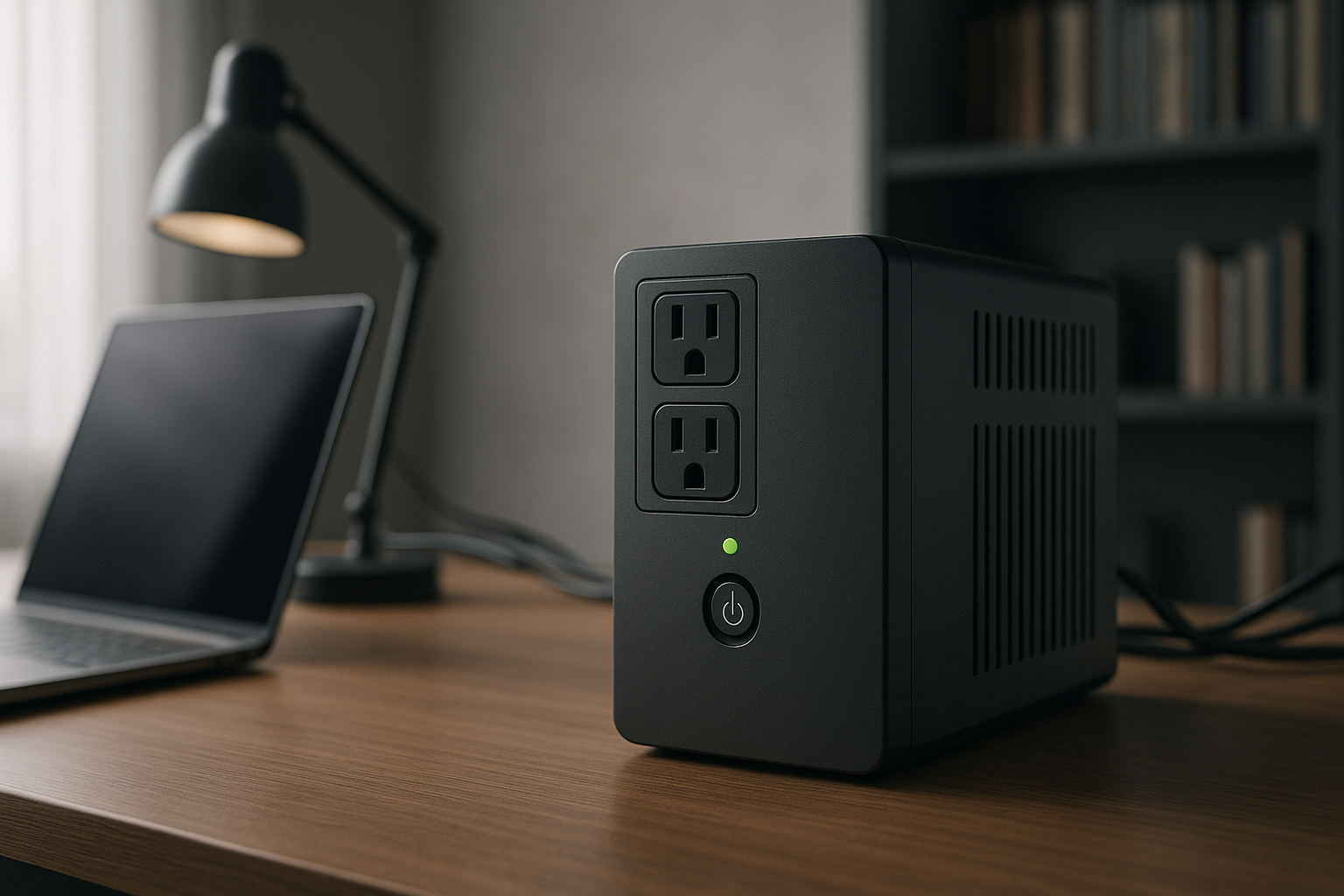
Three main technologies serve different outage scenarios. A Uninterruptible Power Supply (UPS) is a wall-mounted or desktop box that sits between your outlets and devices; when power fails, it switches to battery in milliseconds—ideal for computers and sensitive electronics. A portable power station is a large rechargeable battery with AC outlets, USB ports, and sometimes solar input; it’s slower to activate but far more versatile and mobile. A solar generator pairs a power station with foldable solar panels for recharging without grid power, critical for multi-day outages.
For most households, a portable power station bridges the gap: it’s cheaper than a whole-home battery system, doesn’t require installation, and covers the 4–12 hour window where most outages resolve.
How Much Capacity Do You Actually Need?
Capacity is measured in watt-hours (Wh). A 1,000 Wh battery can run a 100-watt device for 10 hours, or a 500-watt device for 2 hours. But real-world runtime is lower due to inverter losses—typically 10–15% of rated capacity is lost in the conversion from DC to AC power.
Common outage scenarios:
- Lights, phone charging, WiFi router: 200–500 Wh (4–8 hours)
- Refrigerator (compressor cycles every 5–10 minutes, per Energy Star data): 500–1,500 Wh (4–6 hours)
- Home office (computer, monitors, lights): 1,000–2,000 Wh (6–10 hours)
- Furnace or sump pump: 2,000–5,000 Wh (overnight backup)
- Whole-home essentials (fridge, heating, multiple rooms): 5,000+ Wh (24+ hours)
See How Much Backup Power Do You Actually Need? Wattage Calculator Guide for a detailed calculator.
Portable Power Stations: The Versatile Middle Ground
Portable power stations are the most popular choice for home backup because they’re affordable, require no installation, and work anywhere—your home, a cabin, or your car.
Capacity tiers:
- Budget-tier (200–500 Wh): Fits in a backpack, runs small devices and lights. Good for renters or as a first-timer purchase.
- Mid-tier (1,000–2,000 Wh): Handles a refrigerator, home office, or small furnace for several hours. Most households find this range sufficient.
- Premium-tier (3,000+ Wh): Runs multiple appliances simultaneously or provides 24+ hour coverage. Heavier and more expensive, but essential for families with medical equipment or rural areas prone to extended outages.
Key specs to compare:
- Input ports: AC charging (wall outlet), USB-C fast charging, and solar input let you recharge without grid power.
- Output ports: Multiple AC outlets (120V), USB-A, USB-C, and DC car ports provide flexibility.
- Peak power (surge capacity): Refrigerators and furnaces draw 2–4× their rated wattage on startup; the battery must handle this spike.
- Weight: Units under 50 lbs are portable; over 100 lbs, you’ll rarely move them.
Based on aggregated owner reviews and teardown analysis, mid-tier units in the 1,000–2,000 Wh range deliver the best balance of price, runtime, and portability. Most owners report 3–5 years of daily-use lifespan before noticeable capacity loss.
See How to Choose a Portable Power Station: Capacity, Ports & Features Explained for detailed feature guidance.
UPS Systems: Silent, Automatic Protection
A UPS is the right choice if you need automatic, instantaneous backup for computers, servers, or medical equipment. When the grid fails, a UPS switches to battery in 4–10 milliseconds—fast enough that your computer doesn’t notice.
When to buy a UPS:
- You work from home and can’t afford even a few seconds of downtime.
- You have medical equipment (CPAP, oxygen concentrator) that must stay on.
- You’re protecting expensive electronics from sudden power loss.
Limitations:
- UPS batteries are designed for 5–15 minute runtimes (long enough for a graceful shutdown), not hours-long outages.
- Larger, heavier models are less portable.
- Monthly self-tests drain the battery slightly, so you need to replace them every 3–5 years.
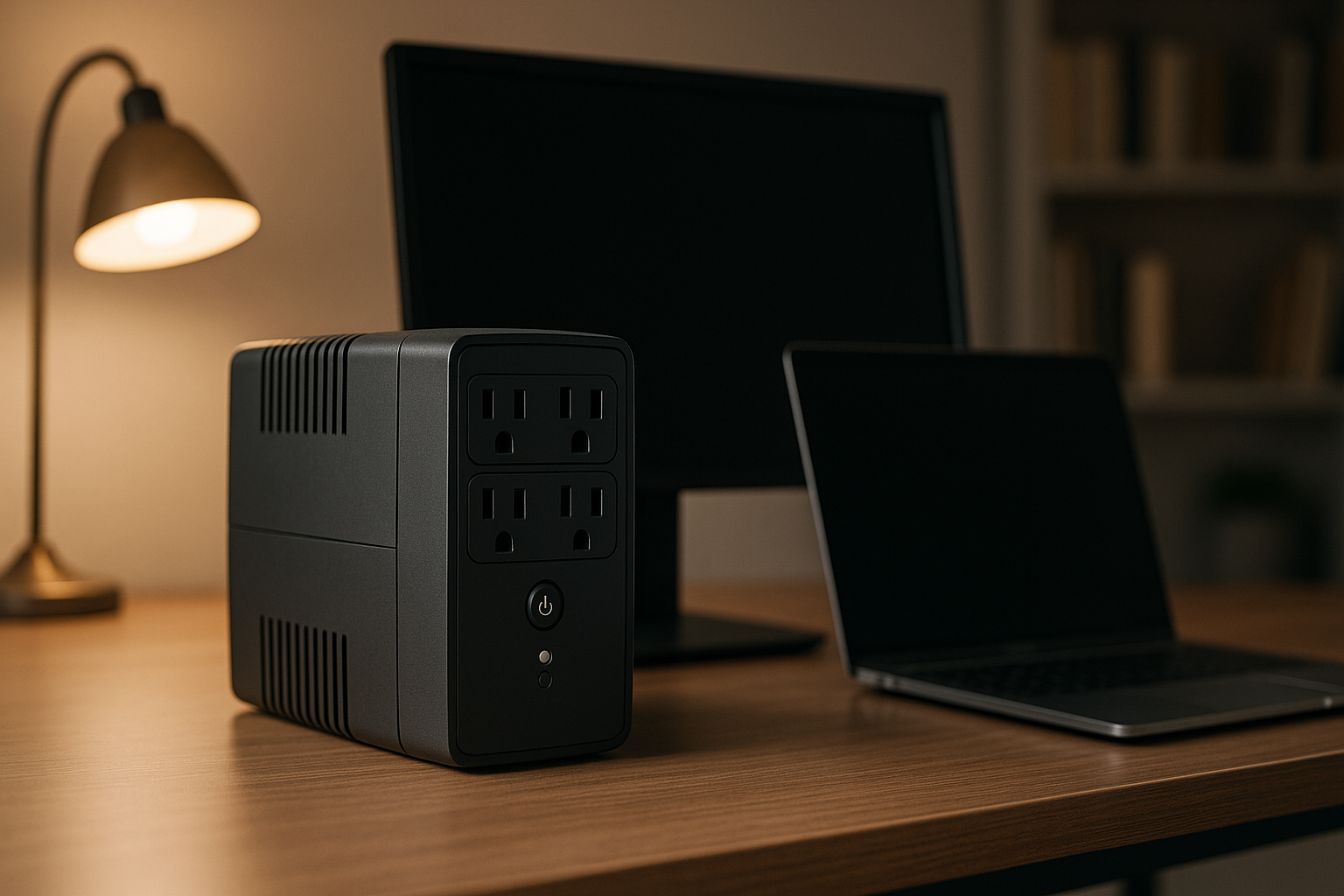
For home office setups, a compact UPS (500–1,500 VA) keeps your computer and monitor running long enough to save your work and shut down safely. Pair it with a portable power station if you need longer backup. See Best Uninterruptible Power Supply for Home Office 2026 and Best Backup Battery for Home Office: UPS vs Portable Station for detailed comparisons.
Solar Generators: Multi-Day Resilience
A solar generator pairs a power station with foldable solar panels, letting you recharge during an outage without grid power or fuel. This is essential in rural areas or regions prone to multi-day blackouts.
Cost breakdown:
- A mid-tier portable power station (1,500 Wh) costs mid-range.
- Foldable solar panels (200–400W) add another mid-range cost.
- Together, a solar-ready setup costs more than a portable station alone, but less than a whole-home battery system.
Realistic recharge times:
A 200W solar panel array recharges a 1,500 Wh battery in 7–10 hours of direct sunlight. On cloudy days, expect 12–16 hours or longer. This matters: if your outage lasts 36 hours and the first day is overcast, you won’t fully recharge by day two.
Most owners keep a solar generator as a secondary system, pairing it with grid power for daily use and activating solar charging only during extended outages.
Real-World Runtime: Fridge, Furnace, and Lights
Refrigerator (500W running, 1,200W startup): A 2,000 Wh battery with 80% usable capacity (1,600 Wh available) runs a fridge for approximately 4–5 hours of actual cooling cycles. Manufacturers reserve 10–20% to extend lifespan per lithium-ion best practices. The compressor doesn’t run continuously; it cycles on for 5–10 minutes, then off for 10–15 minutes. A 1,000 Wh battery stretches to 2–3 hours.
Furnace (1,500W running, 3,500W startup): A 3,000+ Wh battery is necessary; smaller units can’t handle the startup surge. At 1,500W continuous draw, a 3,000 Wh battery runs the furnace for approximately 1.5–2 hours. Most furnaces cycle on/off, so actual heating time is longer—expect 4–6 hours of intermittent heating. Rural homes should size up to 5,000 Wh or add a second battery.
Home office and lights (300W continuous): A 1,500 Wh battery powers a computer setup for 4–5 hours. A 500 Wh unit handles lights and phone charging for 8–10 hours.
These figures assume 80% usable capacity. Real-world runtime depends on weather, device efficiency, and whether you’re running peak load or letting devices idle.
Comparing Portable Stations to Whole-Home Systems
A whole-home battery system (like Tesla Powerwall or LG Chem RESU) stores 10,000+ Wh and integrates with your electrical panel, automatically backing up your entire house. These cost significantly more and require professional installation.
When a portable station is enough: - Outages in your area average 2–6 hours. - You’re willing to manually unplug non-essentials and run only lights, fridge, and one device at a time. - You rent or can’t install permanent hardware.
When you need a whole-home system: - You live in a rural area with frequent multi-day outages. - You have medical equipment that must stay on 24/7. - You want seamless, automatic backup without user intervention.
Most homeowners start with a mid-tier portable station and upgrade to a whole-home system only if outages become frequent. See Cheapest Home Backup Power System 2026: DIY vs Pre-Built for cost comparisons.
Maintenance and Lifespan
Lithium-ion batteries (used in most portable power stations) degrade slowly. Per EcoFlow and Jackery spec sheets, most units retain 80% capacity after 1,000 charge cycles, roughly 2–4 years of daily use. If you charge once per month (typical for emergency backup), expect 5–8 years before noticeable decline.
To extend lifespan:
- Keep the battery between 20–80% charge for storage (most units have a “storage mode” setting).
- Avoid leaving it fully charged or fully drained for weeks.
- Store in a cool, dry place (heat accelerates degradation).
- Perform a full discharge/recharge cycle every 3–6 months.
UPS batteries degrade faster—most manufacturers recommend replacement every 3–5 years, even if they haven’t been used heavily.
Top Picks by Scenario
Best for keeping lights and phones charged during brief outages:
Best for running a refrigerator or small furnace for 4–8 hours: EcoFlow Delta Pro — 3,600 Wh expandable to 7,200 Wh, dual AC outlets rated for high-power appliances, and recharges to 80% in under 2 hours from a wall outlet. Per owner reports, handles refrigerator startup surges without issues.
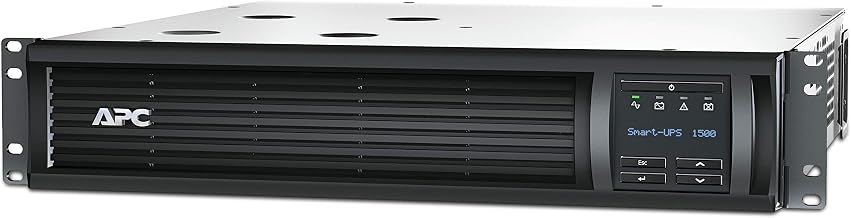
Best for home office backup without portability needs:
Best for off-grid solar charging during extended outages: Bluetti AC500 + B300S — Modular design lets you stack multiple batteries for 6,000+ Wh total, integrates with solar panels, and charges from grid, solar, or car power. Heavier and more expensive, but designed for true off-grid resilience.
Best for renters or apartment dwellers: Anker 757 PowerHouse — 1,229 Wh, weighs under 60 lbs, fits in a closet, and requires no installation. Per long-running threads on r/CampingGear, owners praise its balance of capacity and portability.
FAQ
Q: How often should I charge my backup battery? A: For emergency backup, once every 3–6 months. Lithium-ion batteries lose charge slowly (typically 2–3% per month in storage), so a quarterly top-up keeps them ready. If you use the battery regularly (camping, travel), charge after each use.
Q: What’s the best way to test a battery backup before an outage? A: Unplug your home from the grid (or flip the main breaker) and run essential devices from the battery for 1–2 hours. Note which appliances drain it fastest, how long it actually lasts, and whether the AC outlets are conveniently placed. This real-world test reveals gaps in your setup before an emergency.
Q: Can I use a portable power station outdoors in winter? A: Lithium-ion batteries lose capacity in cold temperatures below 32°F (0°C). Most manufacturers recommend storing and operating between 50–95°F (10–35°C). If you need winter backup in a cold climate, keep the battery indoors and run extension cords outside, or choose a model rated for cold-weather operation.
Q: Do I need solar panels? A: Only if outages in your area last longer than 12 hours and you can’t rely on grid power to recharge. Solar panels add cost and weight; for most households, a portable station recharged from a generator or wall outlet is simpler.
Q: What’s the difference between “rated capacity” and “usable capacity”? A: Rated capacity (the Wh number on the box) is the total energy stored. Usable capacity is what you can actually draw—typically 80–90% of rated, because manufacturers reserve a buffer to extend lifespan. A 2,000 Wh battery usually provides about 1,600–1,800 Wh of real-world power.
Q: Can I run a sump pump on a portable power station? A: Yes, but size matters. Sump pumps draw 800–1,500W at startup. A 3,000+ Wh battery with high peak-power rating (at least 3,000W surge) can handle it. A smaller unit will shut down when the pump starts. Test before an emergency.
Summary
For most households facing occasional outages, a mid-tier portable power station (1,000–2,000 Wh) is the practical choice: it costs less than a whole-home system, requires no installation, and covers the 4–8 hour window where most blackouts resolve. If you work from home or have sensitive electronics, pair a portable station with a compact UPS for instant protection. For rural areas or multi-day outage risk, add solar panels to recharge without grid power.
Start by calculating your actual needs using How Much Backup Power Do You Actually Need? Wattage Calculator Guide, then choose a capacity tier that matches. Most owners find they use their backup battery for camping or travel as well, so the investment pays dividends beyond emergency preparedness.
See Best Emergency Power Outage Kit for Home 2026 for a complete outage survival kit, and Power Outage Preparedness Checklist for Families for a step-by-step readiness plan.