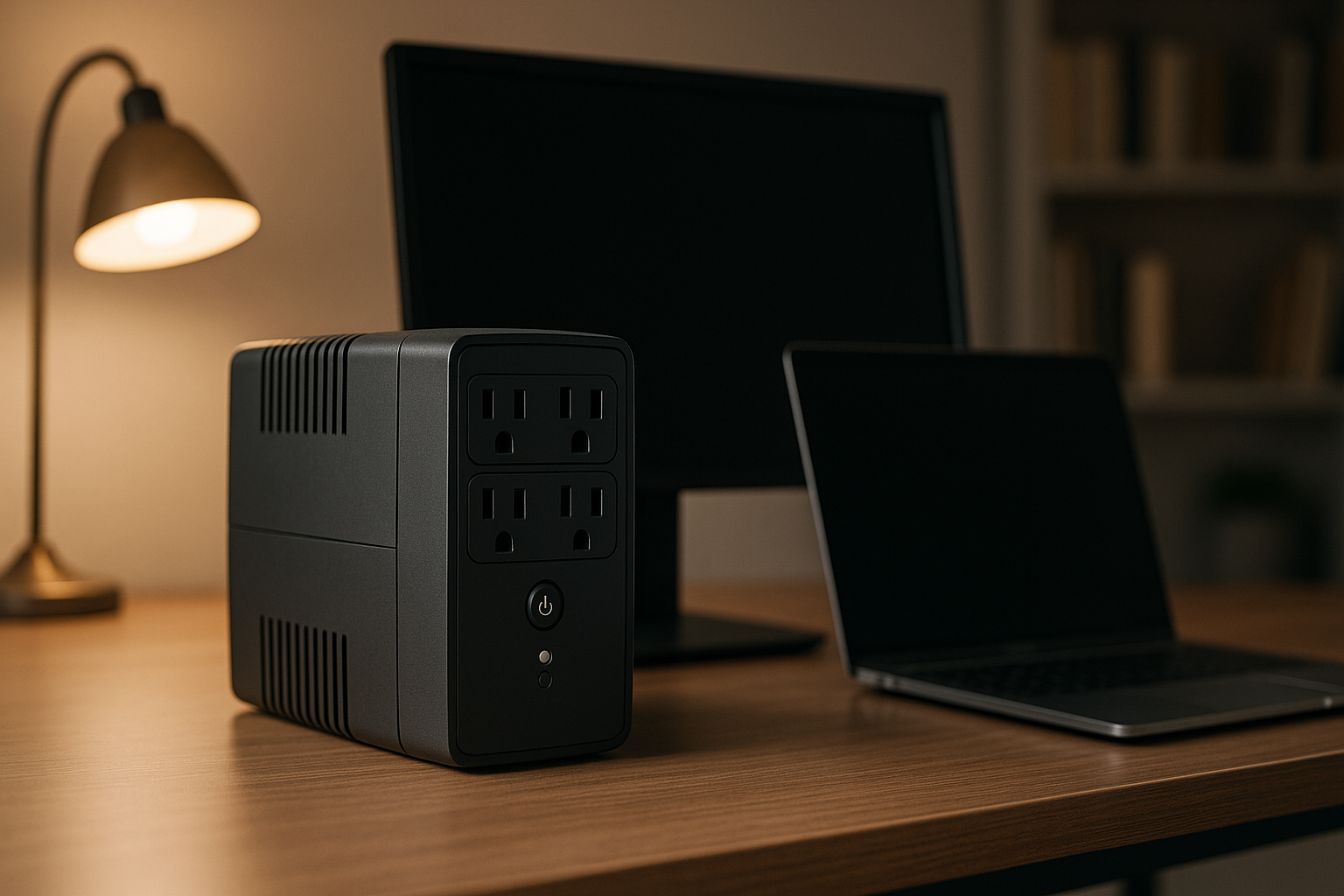
Best Backup Battery for Home Office: UPS vs Portable Station
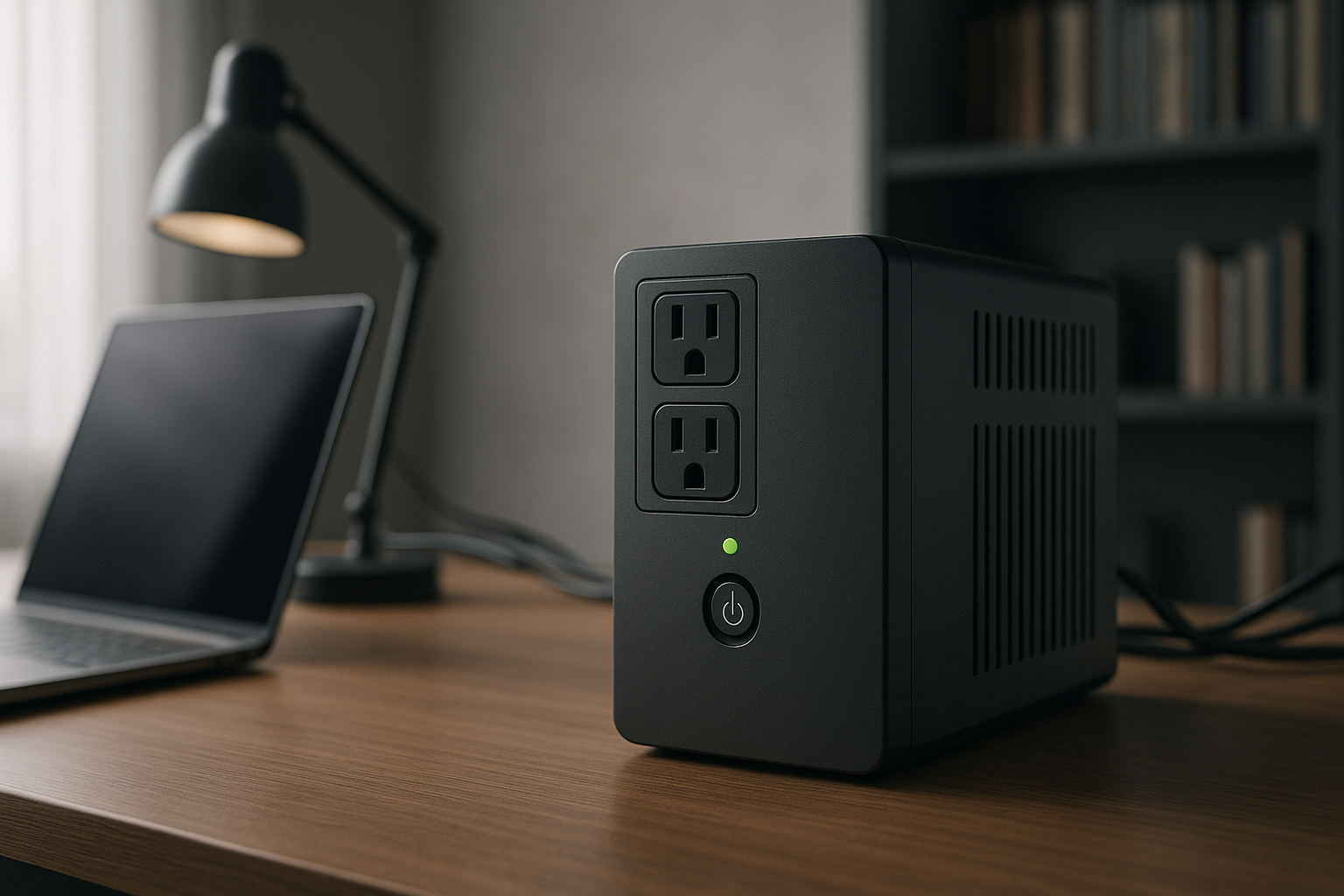
Best Backup Battery for Home Office: UPS vs Portable Station
When your internet cuts out mid-email or your unsaved spreadsheet vanishes with the power, you learn fast why home office backup matters. A UPS (uninterruptible power supply) and a portable power station both fill the gap—but they solve different problems. This guide cuts through the marketing to show you which one actually fits your desk, your work habits, and your wallet.
The Core Difference: Speed vs. Flexibility
A UPS is a wall-mounted or desktop box that sits between your outlets and your equipment. When power drops, it switches to battery in milliseconds—so fast your computer doesn’t even notice. You stay online, your work doesn’t stall, and the system runs silently. The catch: it’s fixed in place, usually handles only your desk setup, and does nothing once the battery drains.
A portable power station is a rechargeable battery pack the size of a small cooler. It has outlets, USB ports, and sometimes wireless charging built in. When the grid fails, you flip it on and plug in whatever you need. The upside is mobility—move it to charge your phone in the bedroom, run a fan in the living room, or take it camping. The downside is startup lag (a few seconds to minutes, depending on the model) and the need to manually switch devices over.
For pure desk work—keeping your monitor, PC, and router alive through a 30-minute outage—a UPS wins. For flexibility and whole-home coverage, a portable station wins. Many home-office workers benefit from both.
When a UPS Makes Sense
A UPS is purpose-built for one job: keep your computer and network gear running through a power event without any action on your part.
Instant failover. The moment your wall outlet goes dead, the UPS battery takes over. There’s no delay, no manual switching, no risk that you’ll forget to plug something in. Your monitor stays lit, your internet gateway keeps broadcasting, and your work continues.
Protects against data loss. If you’re in the middle of editing a document or uploading a file, a UPS buys you 10–30 minutes (depending on the model and load) to save your work and shut down cleanly. That’s worth more than the device itself if you work with large files or unreliable internet.
Compact and desk-friendly. A typical UPS is smaller than a desktop printer. Tower models fit under a desk; smaller units sit on a shelf. You’re not looking at a battery pack the size of a car battery.
Silent operation. Unlike a generator, a UPS makes almost no noise—just the faint hum of a cooling fan. If you take video calls or record audio, this matters.
Built-in surge protection. Most UPS models include outlets that guard against voltage spikes, which is useful if you live in an area with unstable grid power or frequent brownouts.
The main limitation: once the battery is depleted, you’re done. A UPS isn’t meant to power your desk for 8 hours. It’s meant to bridge a 20-minute outage or give you time to save and shut down.
When a Portable Power Station Wins
A portable power station is a battery pack with outlets. It’s designed to power multiple devices across your home, and it stays charged via wall outlet, solar panels, or a car charger.
Mobility and whole-home use. Grab it and move it to any room. Charge your phone in the kitchen, run a fan in the bedroom, keep the router alive in the living room. For renters or anyone who moves frequently, this flexibility is huge.
Longer runtime. A mid-tier portable station (500–1000 Wh capacity) can run a laptop and a few peripherals for 4–8 hours, depending on what you’re powering. A UPS typically gives you 15–45 minutes at full desk load.
Expandable with solar. Pair a portable station with a foldable solar panel, and you can recharge during the day without plugging into the grid. Useful if outages last longer than a few hours.
Multiple use cases. The same device that backs up your desk can power camping trips, outdoor events, or emergency preparedness. A UPS is desk-only.
No installation required. Unbox it, charge it, plug in your devices. No wiring, no electrician, no permanent setup.
The downside: you have to manually plug devices in and monitor battery levels. There’s no automatic failover, and if you’re not paying attention, your laptop dies without warning.
Specs That Matter for Home Office Use
Battery Capacity (Watt-Hours)
A UPS is typically rated in VA (volt-amps) rather than Wh (watt-hours), but the concept is the same: how much energy is stored. For a home office, you want at least 500–1000 VA on a UPS. That’s enough for a desktop PC (300–500W), a monitor (30–60W), and a router (10–20W) to run for 15–30 minutes.
A portable power station’s capacity is measured in Wh (watt-hours). A 500 Wh station runs a 100W laptop for roughly 5 hours in theory; real-world performance is 10–20% less due to inverter efficiency losses. For desk use, 500–1000 Wh is a practical sweet spot. Anything smaller and you’re swapping batteries; anything larger and you’re paying for capacity you won’t use on a desk.
Output Wattage (Continuous)
This is the maximum power the device can supply at once. A UPS is usually rated for 600–1500W continuous output based on typical PSU ratings. A portable station ranges from 300W to 6000W+, depending on the model, per manufacturer specs.
For a home office, you need enough to run your PC, monitor, and router simultaneously. Most desktop setups draw 400–700W under load. Check your PSU (power supply unit) rating to be sure. If you add a space heater or microwave, you’ll need more—but those are typically emergency-only items.
Recharge Time
A UPS recharges from a wall outlet in 4–8 hours after being depleted. A portable station typically takes 1–3 hours from a standard wall outlet, or 8–24 hours if you’re using solar panels (depending on panel size and sunlight).
For home-office use, recharge time matters less if you’re only using the device during outages. But if you’re running it regularly (e.g., to avoid peak-hour grid strain), faster recharge is valuable.
Outlets and Ports
A UPS usually has 4–8 standard AC outlets (120V in North America, 230V in Europe). That’s enough for a monitor, PC tower, and peripherals. No USB ports; you’ll need a separate charger for your phone.
A portable station typically has 2–4 AC outlets, 2–4 USB-A ports, 1–2 USB-C ports, and sometimes wireless charging. That’s more versatile for mixed devices, but fewer AC outlets if you’re running multiple high-power items.
UPS Models Worth Considering
Best Uninterruptible Power Supply for Home Office 2026
The most common UPS models for home offices fall into two camps: tower units (tall, narrow, fits under a desk) and compact desktop units (smaller footprint, sits on a shelf).
Tower models like the APC Back-UPS Pro 1500VA and CyberPower CP1500AVRLCD are tall and slim, designed to slide under or beside a desk. They typically have 10+ outlets and run a full desk setup for 20–40 minutes depending on load.
Compact models like the 
All modern UPS units include automatic voltage regulation (AVR), which smooths out brownouts and power sags without draining the battery. This extends the life of your equipment and is especially useful if you live in an area with unstable grid power.
Portable Power Station Models Worth Considering
For home-office backup, you want a portable station in the 500–2000 Wh range. Anything smaller and you’re limited to a laptop and phone; anything larger and you’re paying for capacity that makes the device heavy and expensive.
500–750 Wh tier (e.g., EcoFlow River 2 Pro) is light, charges quickly, and handles a laptop + peripherals for 4–6 hours. Good for renters or anyone who moves frequently. Runtime is tighter if you’re also running a monitor or small appliance.
1000–1500 Wh tier (e.g., Jackery Explorer 1000 Plus) is the practical sweet spot for home-office use. Runs a desktop setup for 6–10 hours, heavy enough to stay put but light enough to move if needed. Recharge time is 2–4 hours from a wall outlet.
2000+ Wh tier is for whole-home backup or extended outages. Heavier, more expensive, and slower to recharge—overkill for desk use unless you’re also backing up a fridge or running multiple high-power devices.
Look for models with at least two AC outlets (so you can run both a PC and a monitor without daisy-chaining adapters) and a USB-C port for fast phone charging.
Hybrid Approach: UPS + Portable Station
Many home-office workers use both. Here’s why it works:
- UPS handles the immediate crisis. Power drops at 2 p.m. Your UPS kicks in silently. You save your work, close your email, and keep your router alive.
- Portable station extends the outage. If the grid is still down after 30 minutes, you unplug the UPS, grab your portable station, and keep working for another 4–8 hours. Or you switch to laptop-only mode and let the desktop rest.
- Portable station does double duty. On days with no outage, it sits in a closet or charges devices during the evening. When you travel, it goes with you.
The cost of both combined (a mid-tier UPS + a 1000 Wh portable station) is roughly equivalent to a premium whole-home backup system, but you get more flexibility and no installation hassle.
Power Needs Calculator
Before you buy, figure out what you actually need to back up. Here’s a rough guide based on typical PSU ratings:
- Laptop only: 100–150W. A portable station with 300 Wh runs it for 2–3 hours. A UPS with 500 VA runs it for 2–4 hours.
- Laptop + monitor + router: 250–350W. A portable station with 1000 Wh runs it for 3–4 hours. A UPS with 1000 VA runs it for 2–3 hours.
- Desktop PC + monitor + router: 400–600W. A portable station with 1500 Wh runs it for 2–3 hours. A UPS with 1500 VA runs it for 20–40 minutes.
See How Much Backup Power Do You Actually Need? Wattage Calculator Guide for a deeper dive.
Maintenance and Lifespan
UPS batteries are sealed lead-acid or lithium-ion. They degrade over time and should be replaced every 3–5 years per manufacturer recommendations if the unit is regularly tested. Most UPS manufacturers sell replacement battery packs. If you live somewhere with frequent outages, the battery gets a real workout and may fail sooner.
Portable station batteries are lithium-ion and typically rated for 500–1000 charge cycles (roughly 2–5 years of regular use). After that, capacity drops to 80% and continues declining. Replacement batteries aren’t usually available; you’d buy a new unit. However, most modern portable stations are designed to last longer than a UPS battery in terms of total energy throughput.
Both devices benefit from being kept in a cool, dry place and not left fully discharged for months. If you’re buying a UPS or portable station for emergency backup only, charge it once every 3–6 months to keep the battery healthy.
FAQ
Q: Can I use a portable power station as a backup for my whole home?
A: Not for extended outages. A 2000 Wh portable station runs a typical home for 2–4 hours at moderate load (~500W). If you want whole-home backup for 8+ hours, you need either multiple portable stations or a dedicated home battery system (like a Tesla Powerwall). For desk-only backup, a portable station is plenty.
Q: Do I need to worry about damaging my computer with a UPS?
A: No. A UPS provides clean, regulated power and is safer for electronics than relying on the grid alone. In fact, it protects your gear from voltage spikes and brownouts. The only risk is if the UPS fails catastrophically, but that’s rare and usually covered by warranty.
Q: Can I charge a portable power station while it’s powering my desk?
A: Yes, but it’s slower. If you’re drawing 300W from the station while also charging it from a wall outlet (which supplies ~1500W per EcoFlow/Jackery specs), the net charge rate is about 1200W. It’ll take longer to reach full capacity, but it works. Some modern stations (like the Jackery Explorer 1000 Plus) support pass-through charging, which is designed for this use case.
Q: What’s the difference between a UPS and a power bank?
A: A power bank is designed for phones and small devices (USB charging only). A UPS and portable station both have AC outlets and can power desktop equipment. Power banks are much smaller and lighter but cannot run a monitor or PC.
Q: Should I buy a solar-ready portable station if I’m only using it for home-office backup?
A: Only if you want the option to charge it off-grid. For desk use, a solar panel adds cost and complexity. If you live in an area with frequent, long outages, solar capability is worth considering. Otherwise, stick with a station that charges quickly from a wall outlet.
The Takeaway
For a home office, start with a UPS if your main concern is keeping your desk alive through short outages (under 1 hour). It’s automatic, silent, and reliable. If you want flexibility, longer runtime, or whole-home coverage, add or upgrade to a portable power station. If you’re building from scratch and want one device to handle both desk backup and occasional travel, a portable station is the smarter buy—you just need to remember to plug things in.
Check Best Battery Backup for Power Outages 2026 and Best Emergency Power Outage Kit for Home 2026 for broader context on home backup options. And if you’re thinking about solar recharge, see Portable Solar Panels for Camping: Reviews and Buyer's Guide for panel recommendations.